 Tribelands
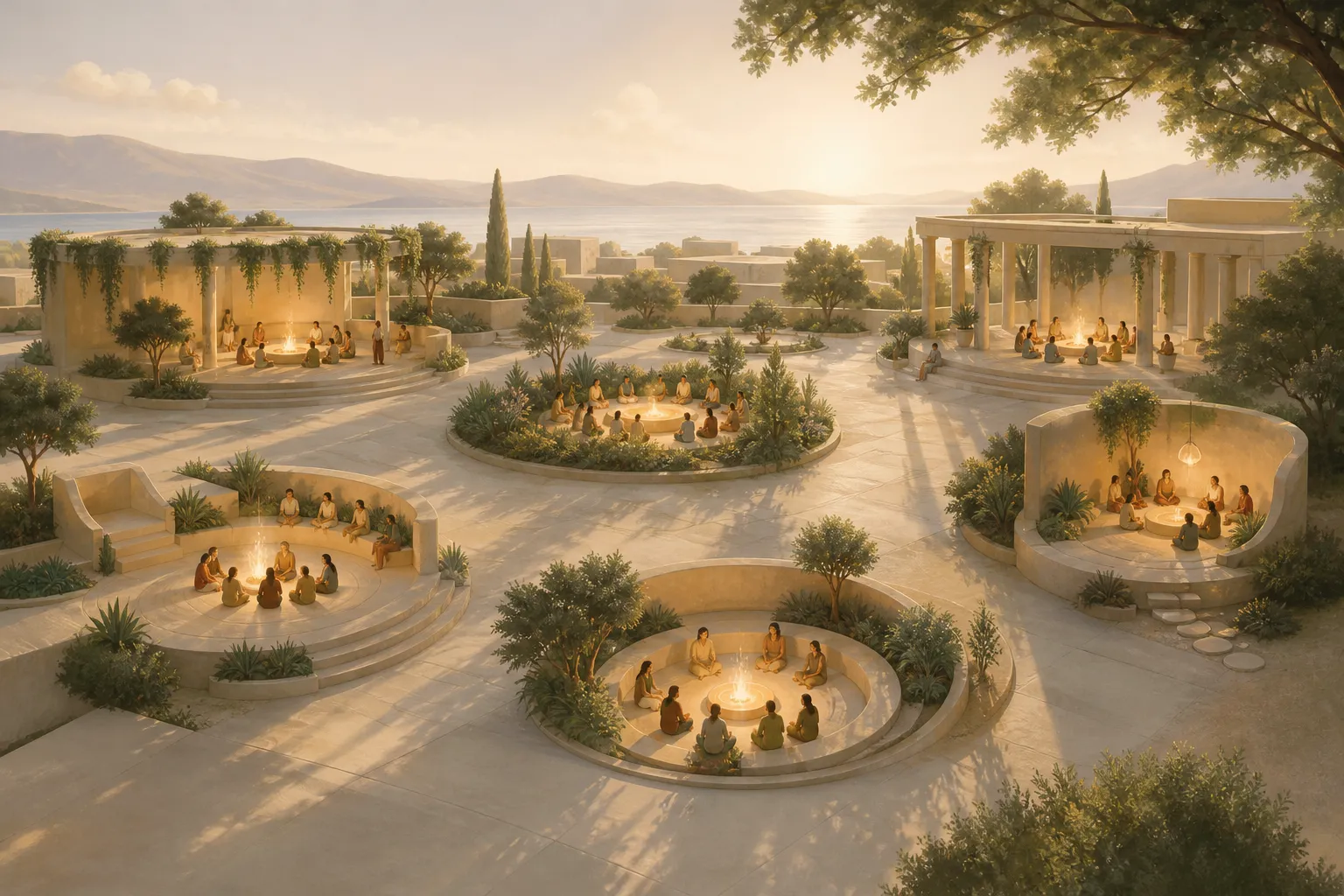
Gatherings with an intelligent core
Build a community that means something. Then let it help you run it.
Tribelands gives your community an intelligent core: an AI that helps you lay the foundations — what it is for, what it says, where it starts — then writes with you, answers your members, builds your path and courses, and keeps the conversation alive, while you run live calls and events beside it. Guidance and involvement, never governance: a community that is engaging, largely runs itself, and is yours to grow and to earn from.
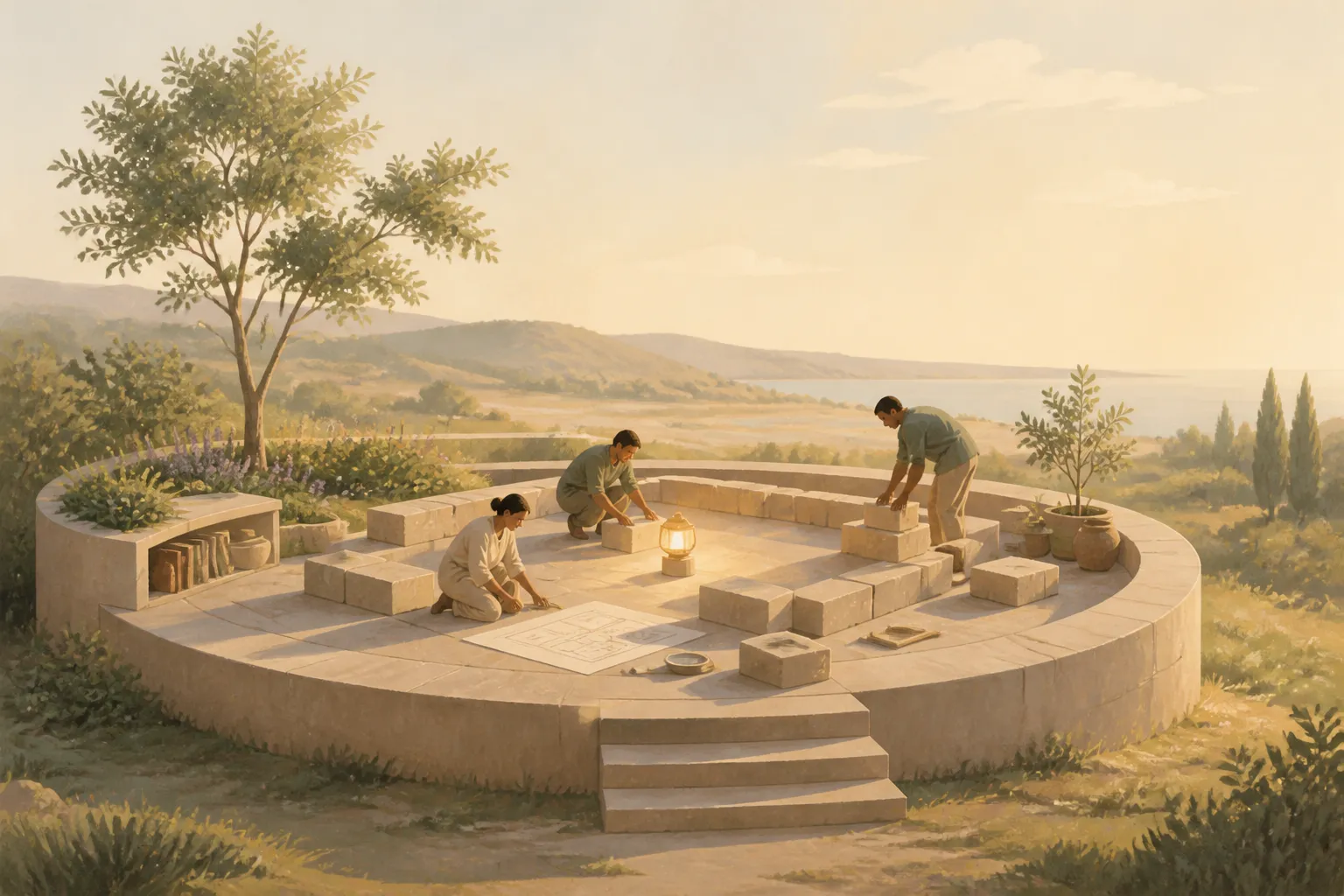
One · It builds the foundations with you
Bring what you know. Leave with a community that has a shape.
You start with a conversation, not a blank admin. Tell the intelligent core what your community is about, who it is for and how you want it to sound; give it what you already have — notes, articles, a book, a course, a reading list. From that it drafts the foundations with you: the community's purpose and voice, its first articles, the bones of a path or course for members to follow, and the discussion groups that orbit all of it.
Every piece arrives as a card you read and approve or send back. By the time anyone joins, the community already has a meaning, a focus and something to do.
“From your notes I've drafted the purpose, a first set of six articles and a five-step path. Shall we start with the purpose, and I'll read it back the way a new member would hear it?”
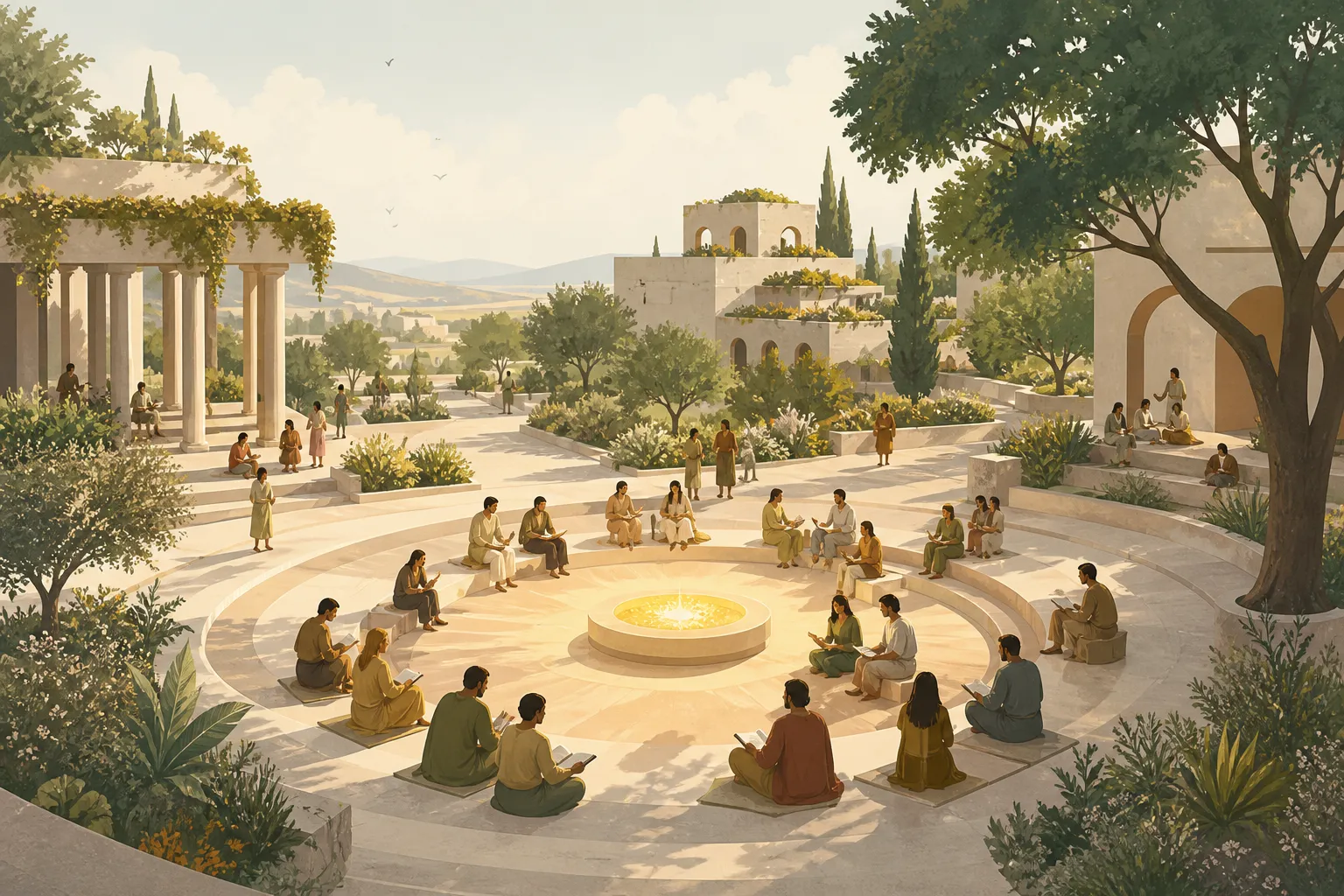
Two · The feed is where it all lands
Where everyone gathers: a knowledge base, a podcast and a news feed your members take part in
The feed is the common ground, the landing point and where activity starts. Your articles arrive there already narrated, so members can read or press play. Polls, video posts, questions and announcements sit alongside, and members take part in whatever way you choose to let them: comment, post, ask, share. Nobody is above the conversation; people are in it.
The intelligent core manages it. It answers posts and comments that would otherwise sit unanswered, from your own material, and points a member to the right article, step or private conversation when that is the better next move. When you switch research on, it reads what is happening in your subject each day and posts what matters, with sources, so the feed stays current without you writing a word. When the feed goes quiet it asks one good question; when a thread is moving it stays out of the way.
A stray post is not deleted or argued with. It gets a kind reply that moves it to the right place: a private conversation with the guide, or the discussion group where that discussion belongs. The basics and the noise are handled; what reaches you is the good stuff, and that is where you spend your time.
Every article narrated, with a real player — in the feed and in the library.
- Answers what would go unanswered
- Posts and comments, from your material; a pointer to the article, the step or the guide when that is the better next move.
- Keeps itself current
- Researched posts on what is happening in your subject, with sources, when you switch research on.
- Moves what does not belong
- A stray post gets a kind reply and a better place: the guide, in private, or the right discussion group. Nothing deleted, nobody argued with.
- Leaves you the good stuff
- The basics and the noise are handled; you engage with what is worth your time.
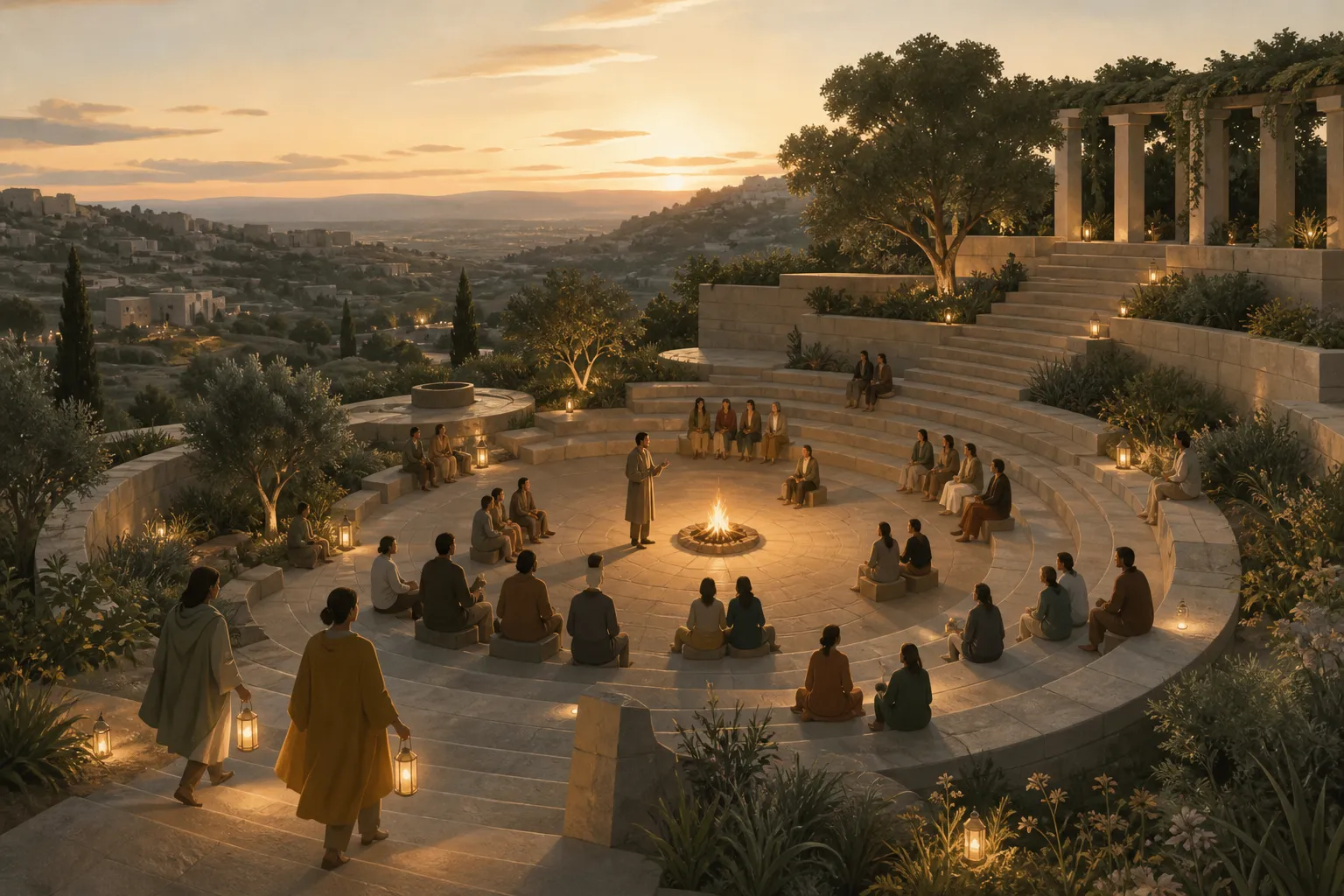
Three · A calendar as well as a feed
Go live, call together, meet in person, and keep every recording
Events are made in the same composer as posts. Choose Event, then choose what it is: go live to the whole community; open a group call with everyone on camera; schedule a session in person, at a place; or list sessions that members book with you, one to one or in small groups. The video is built in, so nobody is sent anywhere else to join.
Each event is free, included from a membership level up, or ticketed. A session a member books is approved by you first and paid for afterwards. Calls spend the video minutes each level includes; a ticketed event carries its own cost.
Any event can be recorded. The recording comes back to the feed as a draft video post, with a cover and a description already written. You choose who can watch it and publish it with one tap, so a live moment becomes something that lasts.
The community's AI looks after the surrounding work: it announces what is coming when the feed is quiet, and drafts a recap for your approval once a recording is published. Members are reminded by email and push. It never joins the call.
- Go live
- Broadcast from your camera to the whole community, with the conversation running beside it.
- Group calls
- Everyone on camera, up to the size you set, with the screen following whoever is speaking.
- In person
- A session at a place, with a limit on places and a ticket code to tick off at the door.
- Bookable sessions
- Time members can book with you, one to one or in small groups. You approve each request; they pay afterwards.
- Free, included or paid
- Open to everyone, included from a membership level up, or ticketed at a fee you set.
- Recordings become posts
- Record any event and it returns to the feed as a draft video post. You choose who can watch, then publish.

Four · Then it helps with everything
A guide that knows the ground, for you and for your members
Once the foundations are in, the same intelligence runs alongside you and your members. A guide, created and grounded in your material during onboarding, answers questions at an advanced level and drafts documents with members and keeps them. Your path and courses land with coherence: between steps a short AI review consolidates what was learned and a conversation finds and fills the gaps. Every discussion group has a helpful manager and a gentle moderator present at all times, so groups stay on track without you watching them. The feed answers most questions itself. What reaches your inbox is read first by the same guide, so you answer only what needs a person.
It has the posture of someone the circle listens to for what they know, not for rank: it guides, it never governs, and it never takes a conversation over. Your members get that help from the first day, inside the community itself; you get a community that largely runs itself.
- A guide that drafts and keeps documents
- Grounded in your material by onboarding; answers members, writes documents with them, keeps them safe.
- A path and courses that land
- AI reviews between steps consolidate what was learned; a conversation finds and fills the gaps.
- Discussion groups that keep themselves
- A manager and a moderator present at all times: one keeps the thread useful, the other keeps it kind. Guidance, not governance.
- A feed that answers most questions itself
- Unanswered questions get an answer; the right article gets lifted; the quiet gets one good question.
- Articles written with you
- From a brief, in your voice, narrated — approved by you before anyone sees them.
- Support handled in messages
- The same guide reads what comes in and answers what it can; the rest reaches you sorted.
Five · Yours to grow, yours to earn from
Your members, your money, your common ground
Members join you, not us. They pay you through your own payment account; the platform takes a small share of what you sell and a flat fee for the engine, and never holds the money. Your community lives in its own database and can leave with you.
Open it to anyone or keep it by invitation. Set free and paid levels, bundles and one-off products when you are ready to earn from what you have built. Brand it with two colours and a typeface; the layout, the type and the imagery rules are ours, so it always reads well.
An app without an app
Your community, on every member's phone
Every community can be installed. A member opens it in their browser, taps Add to Home Screen (or Install), and it sits with their other apps, with your name, your icon and your colours, and opens full-screen. No app store, nothing to build, nothing to submit for review, nothing for you to maintain.
Notifications and the little number on the icon arrive as things happen, so members hear about a reply, a live call or a new article without having to remember to visit. It works on most phones, tablets and computers, in most browsers. On iPhone it needs iOS 16.4 or later, and members choose whether to switch notifications on.
- No app store
- Nothing to download from a store, nothing to build, no review to wait for. Members add it from the page they are already on.
- Notifications and badges, live
- A push when something new lands, and a number on the icon that stays current as members read.
- Yours: name, icon, colours
- The icon and name come from your brand, so it sits on the home screen as your community, not as ours.

 3
Learn it by living in one
Every host is a member of a community built the same way
Tribelands Hosts is where hosts compare notes, follow a path on building a community, listen to the library on running one, and ask its AI anything about the platform. It is the demo and the manual at once: using the features as a member is how you learn to run them.
The directory
Communities on Tribelands

 Zen Jungle
A gathering for people who want to change how they feel about life and the world, and to create and share a new way to live, in community — built around Butterfly, the mind detox that dissolves what was never yours to carry.
 Tribelands Hosts
Where the people who build communities on Tribelands learn to run one with an intelligent core, by living in one.
Start yours.

Start a community
Tell us what you want to build, and what you already have
A short form now, a reply from a person, then the conversation that lays your foundations — purpose, first articles, a path, the groups — before anyone joins.